PURPOSE How to log into ACE, and pull an ES-003 report and CITTA ES-003 report for claims filings and scoping.
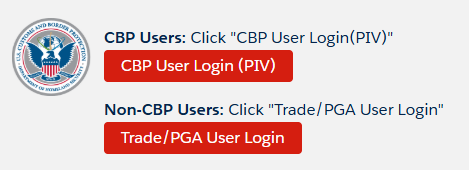
STEP 1 — Log into ACE: Login
STEP 2 — Click on Non-CBP Users:
STEP 3 — To find Company Logins, go here:
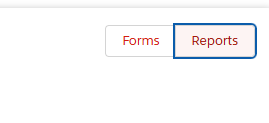
STEP 4 — Click Reports
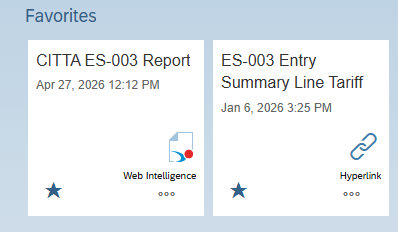
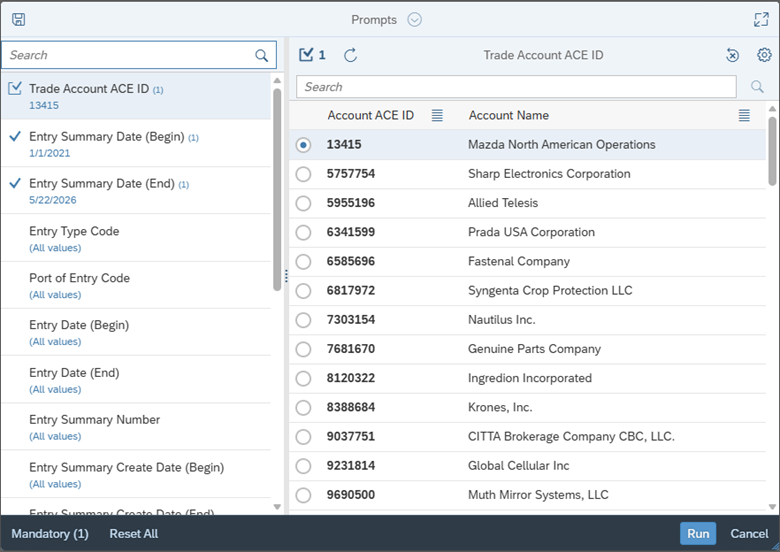
STEP 5 — Pull both — ES-003 Entry Summary for Sales & CITTA ES-003 for Claims filings
● Filter on Trade account ACE ID
● Filter on Entry Summary Date (Begin, always go back 5 years)
● Filter on Entry Summary Date (End, current date)
STEP 6 — Click Run
STEP 7 — Click Download (only in Excel or CSV)
STEP 8 — Once loaded, drag and drop into Teams.
STEP 9 — Then save in current clients and name it OldestDateRange-CurrentDateRange_ClientName_ES-003 Entry Summary Line Tariff Details
Example: 